
Archivist TTRPG Features for GMs and Players
Tools for Smarter TTRPG Sessions
Capture sessions, keep a structured campaign record, and share what your table needs—recaps, handouts, and more.
Archivist works wherever you play: Discord, Foundry VTT, Obsidian, and more. Learn about integrations →
Core Features
D&D session recaps, a living compendium, Ask Archivist, timeline, quests, and tone controls.
Automated TTRPG Session Recaps and Campaign Summaries
Summaries
Session Recaps & Campaign Overviews
After each game, Archivist writes a session recap. Campaign overviews pull those together so you can track arcs, prep ahead, or catch up after a break.
- Plot developments and character choices
- NPC encounters and revelations
- Combat highlights and turning points
Prefer cinematic, snarky, or serious? Customize the tone.
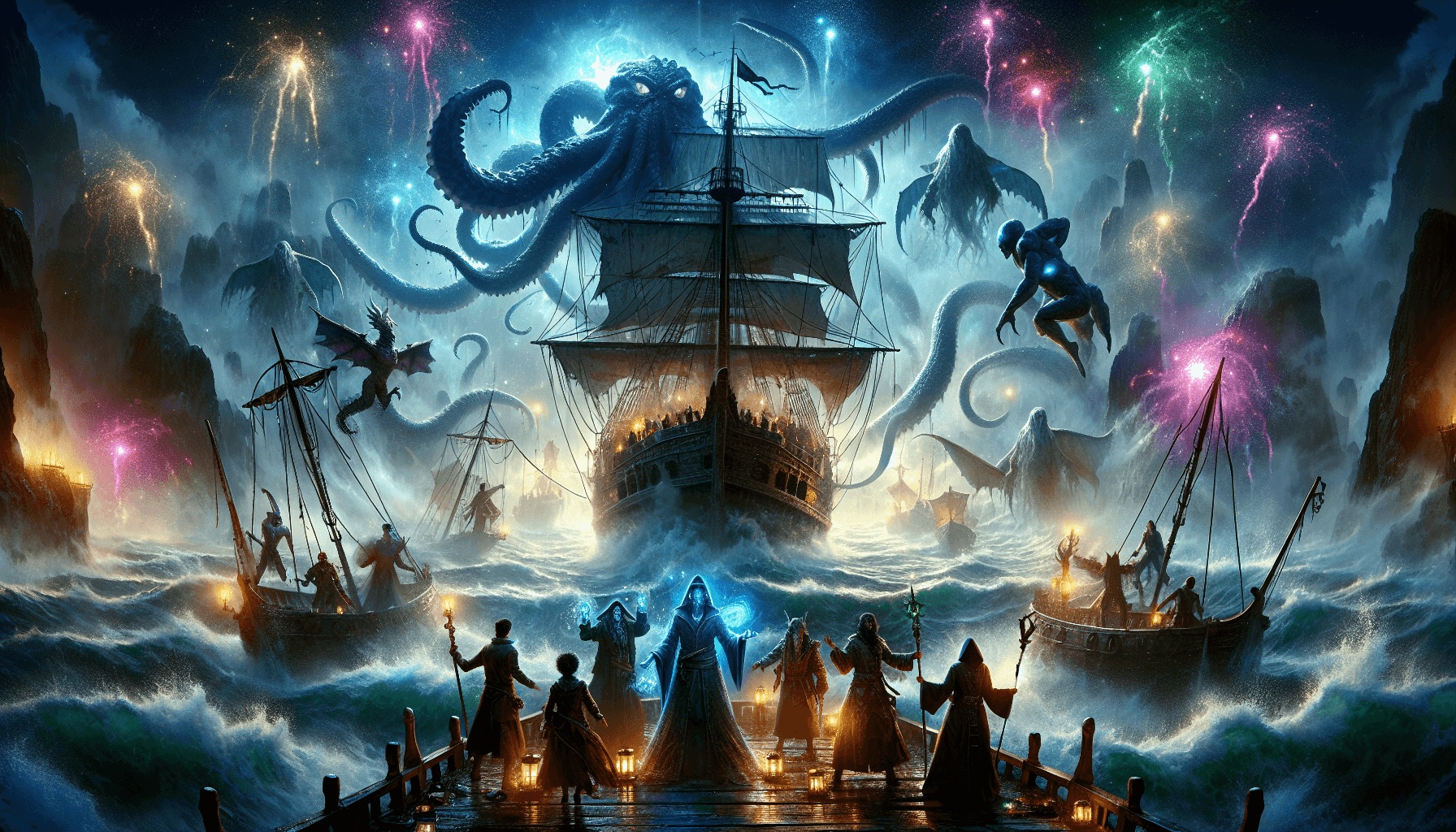
Track Characters, Items, Locations, and Factions in Your TTRPG Campaign
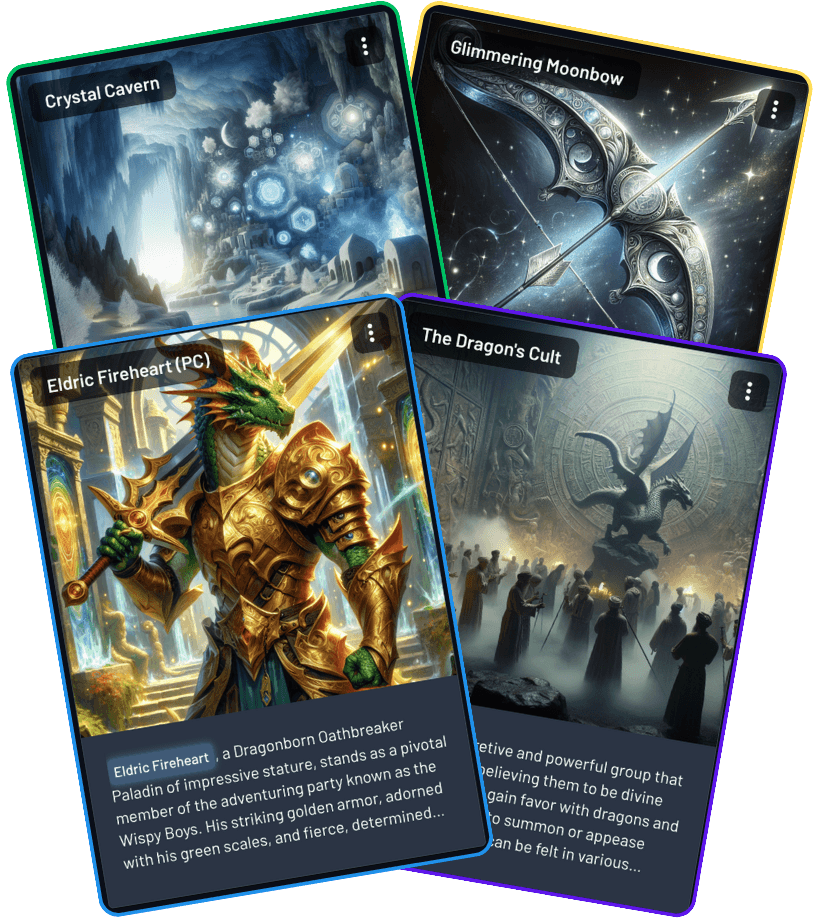
Character, item, location, and faction cards
Compendium
Characters, Items, Locations, and Factions—Tracked Automatically
A searchable campaign compendium. Entities are detected as they appear in play, then updated when they show up again.
- Auto-detect and categorize as entities appear
- Descriptions update when entities recur
- Search across the full campaign
Archivist AI-Powered TTRPG Chatbot
Ask Archivist
People Forget. Archivist Remembers.
Ask Archivist questions grounded in your campaign history—what happened last session, who an NPC is, or help planning the next arc.
- Recall facts — "What kind of dragon are we hunting again?"
- Summarize beats — "What happened between the party and the king?"
- Prep and brainstorm — arcs, shops, plot hooks
Available in-app, on Discord, and in Foundry VTT.
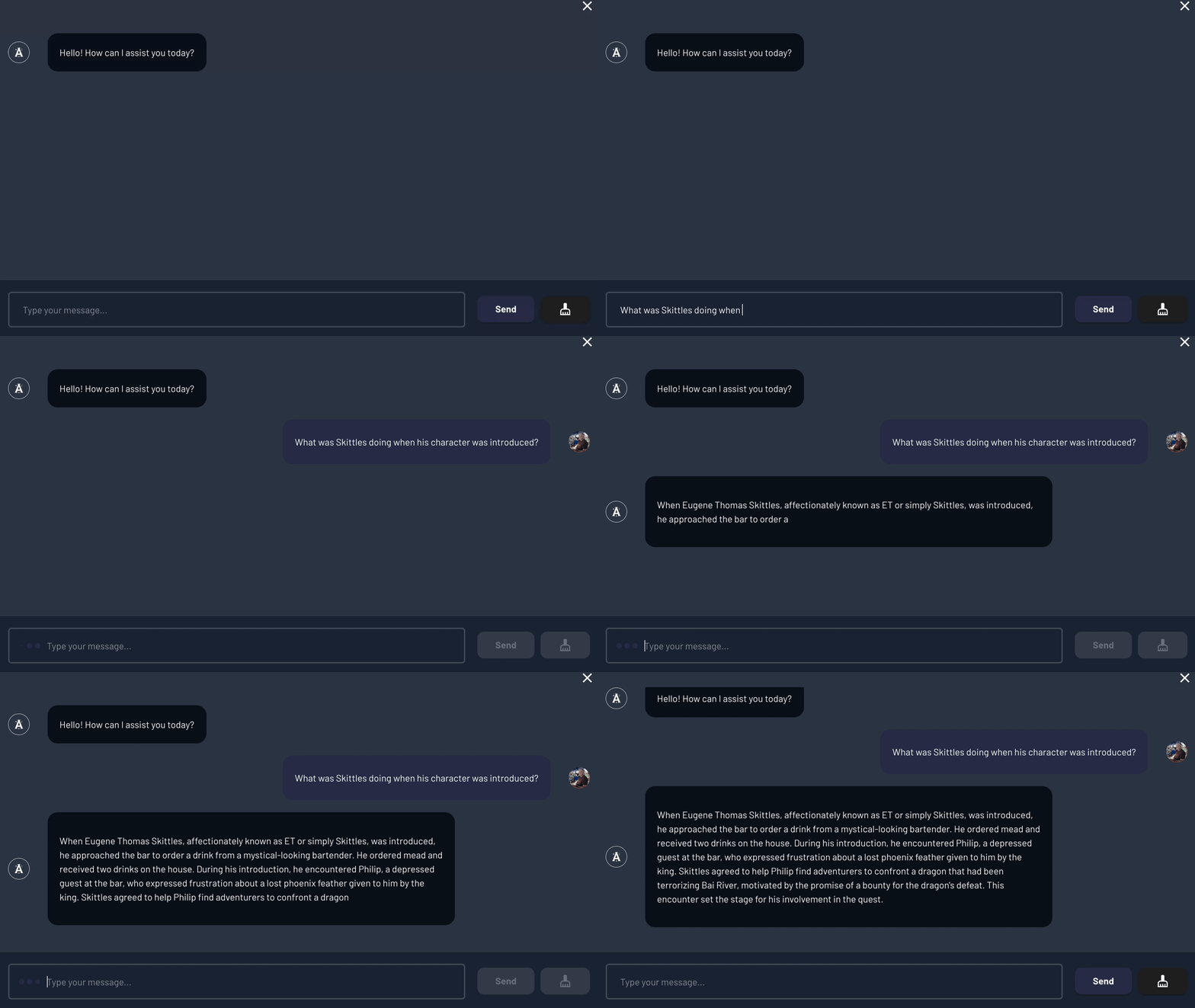
Ask Archivist from session history
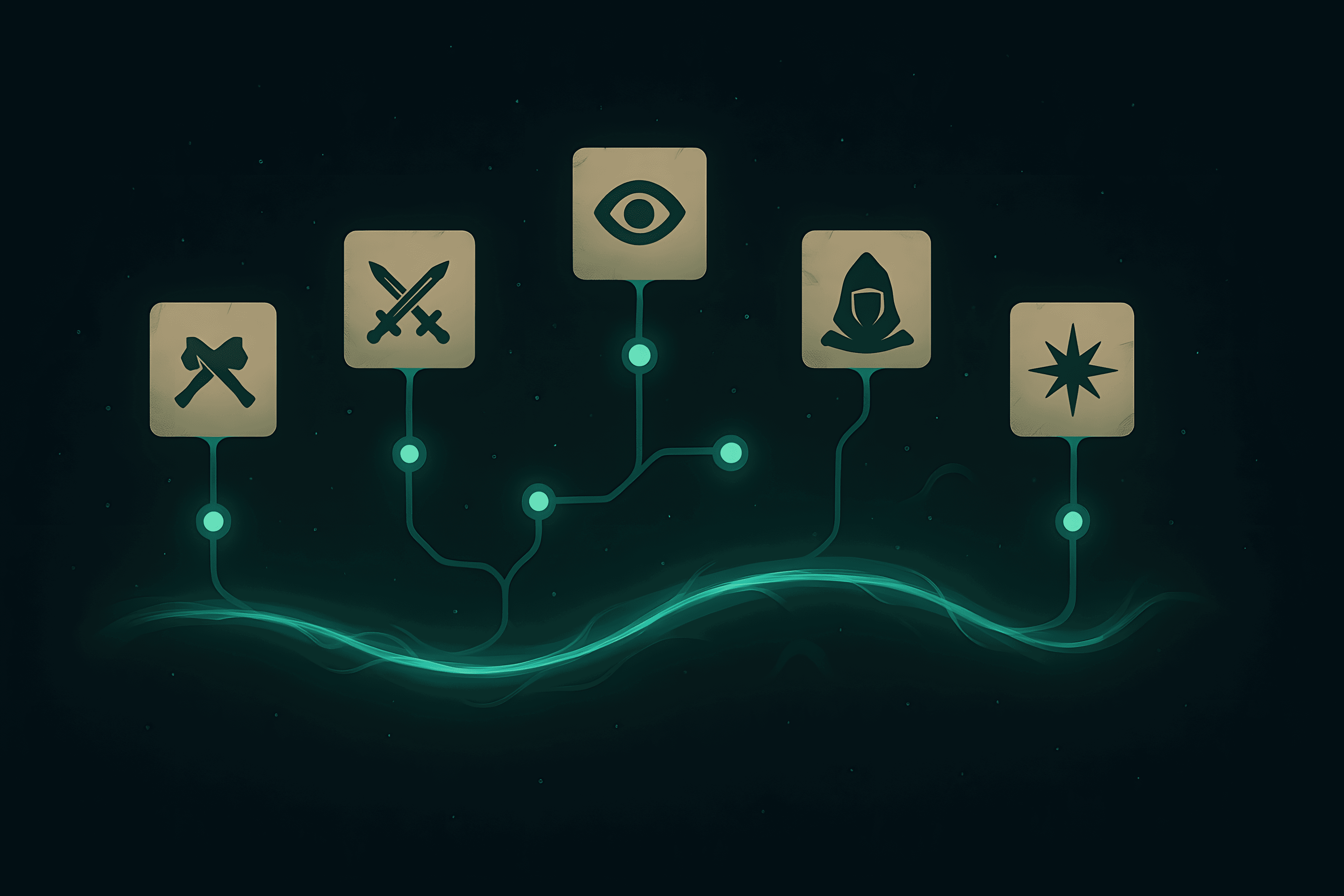
Steps, beats, and arcs on one timeline
TTRPG Campaign Timeline Tool. Track Arcs, Beats, and Sessions
Timeline
Campaign Timeline
Each session breaks into Steps (play-by-play), Minor Beats (summarized sequences), and Major Beats (key events). Edit, reorder, or expand any node.
- Zoom from a single step out to multi-session arcs
- Track storylines that span many sessions
- Different from recaps: structured blocks, not a narrative summary
Quest Log: Campaign Objective Tracker for TTRPGs
Quest Log
Campaign Objective Tracker
Quest Log keeps objectives current across the campaign. Compile from completed sessions, review suggested changes, then approve what becomes canon.
- Statuses: Planned, In Progress, Blocked, Failed, Done
- Review diffs: merge, split, edit, or reject before approving
- Export a player-ready PDF
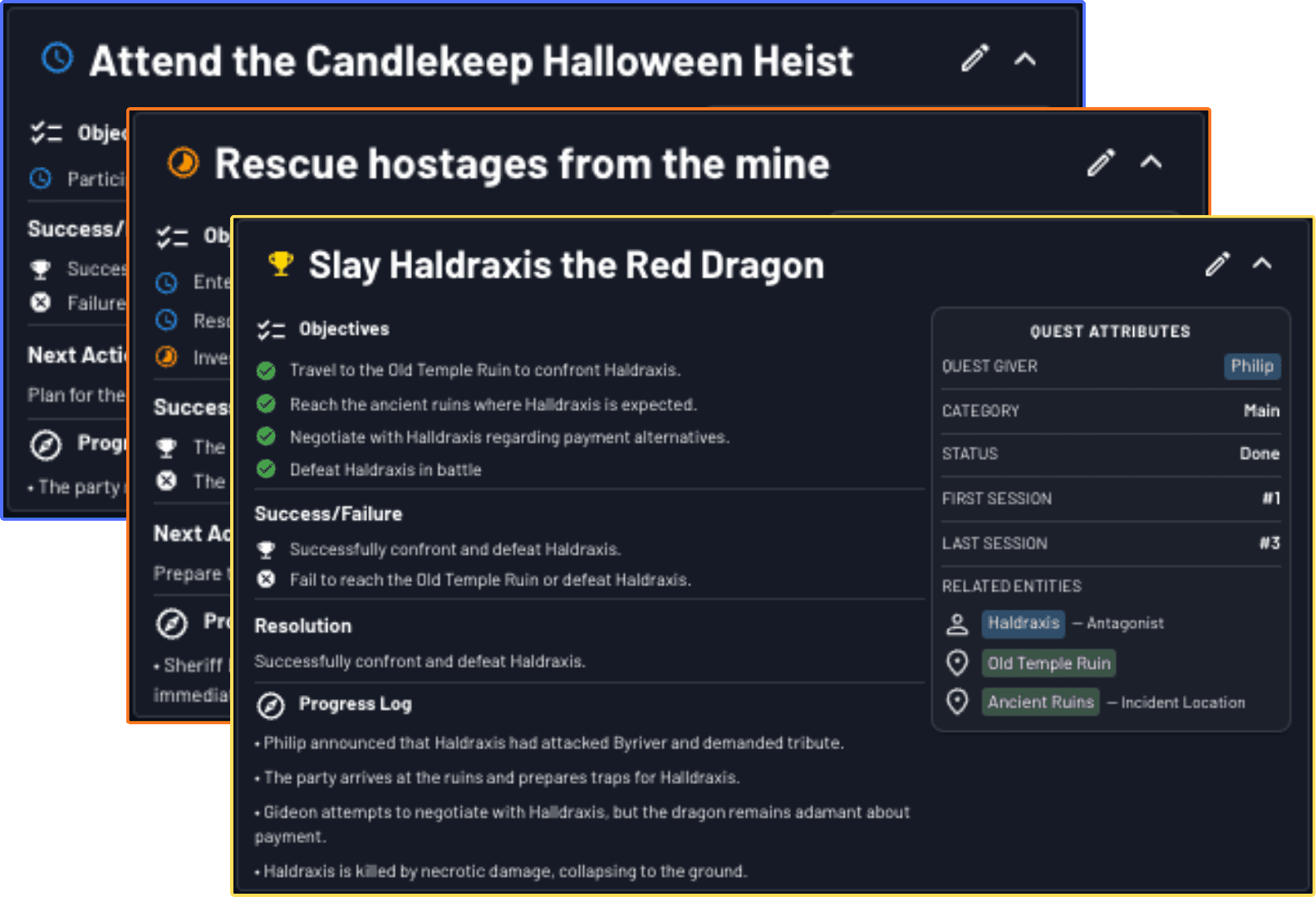
Objectives with status and progress
Customize TTRPG Campaign Summaries and Chatbot Personality
Customize
Make Archivist Sound Like Your Table
Set the writing tone for session recaps and the personality of Ask Archivist. Describe what you want in plain language—noir mystery, bullet points, bardic tall tales.
- Tone and format for summaries (e.g. noir, concise, bulleted)
- Separate personality setting for Ask Archivist
- Set during campaign setup; change anytime
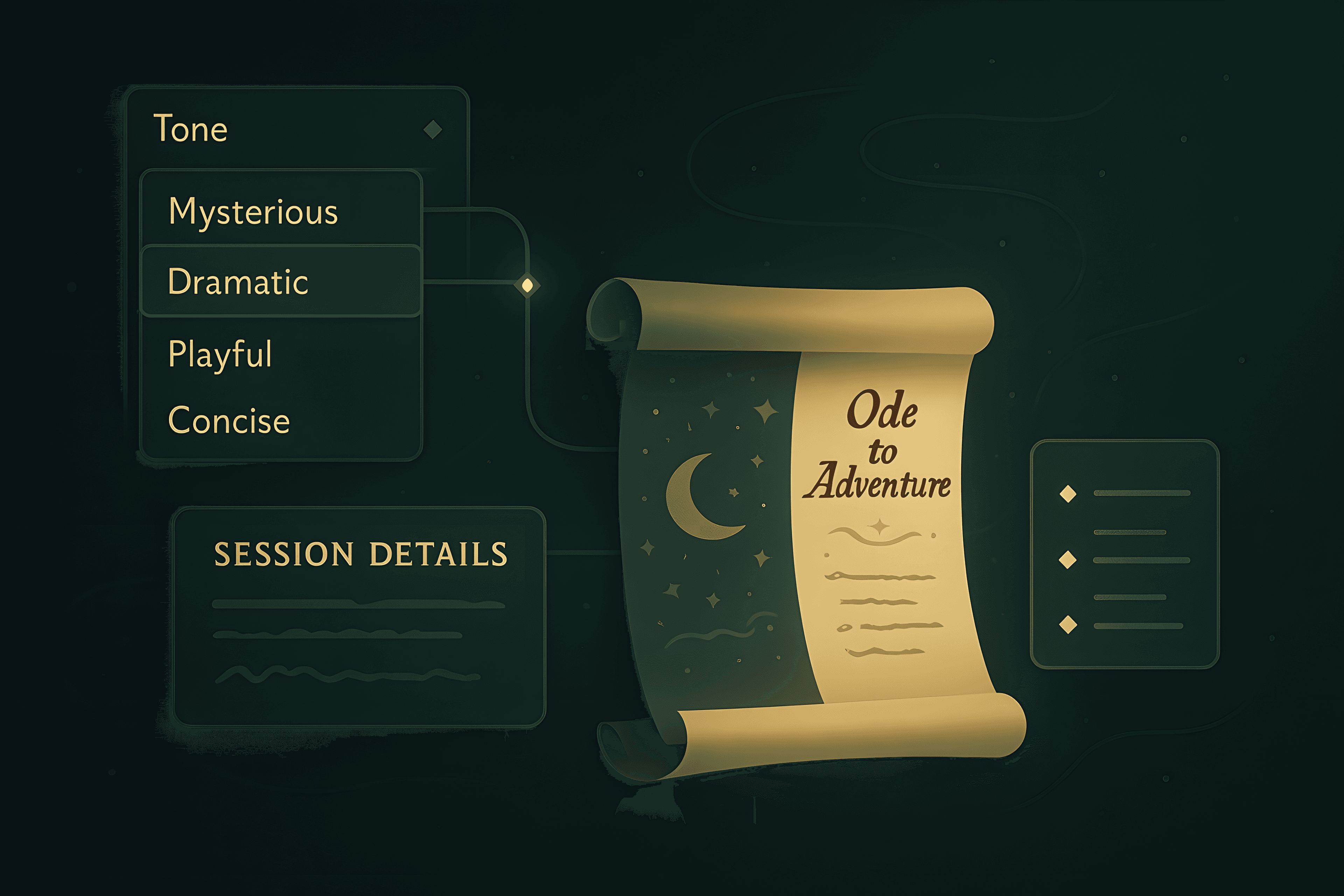
Tone settings for recaps and Ask Archivist
Exploration & Insight
Session Highlights, WikiLinks, Data Studio, Cast Analysis, and Journals.
Hero Awards and Key Moments for Your TTRPG Sessions
Click to view larger
Session Highlights
Hero Awards and Key Moments From Every Session
After each session, every player gets a Hero Award card recognizing their standout contribution—plus illustrated Key Moments for full-party turning points. Add your own moments anytime.
- Hero Awards—Canonical, Silly, or Spicy tone per character
- Key Moments—reveals, comebacks, betrayals, and plans that somehow worked
- Filter by character, faction, or location
Campaign Wikis and WikiLinks for TTRPG World Organization
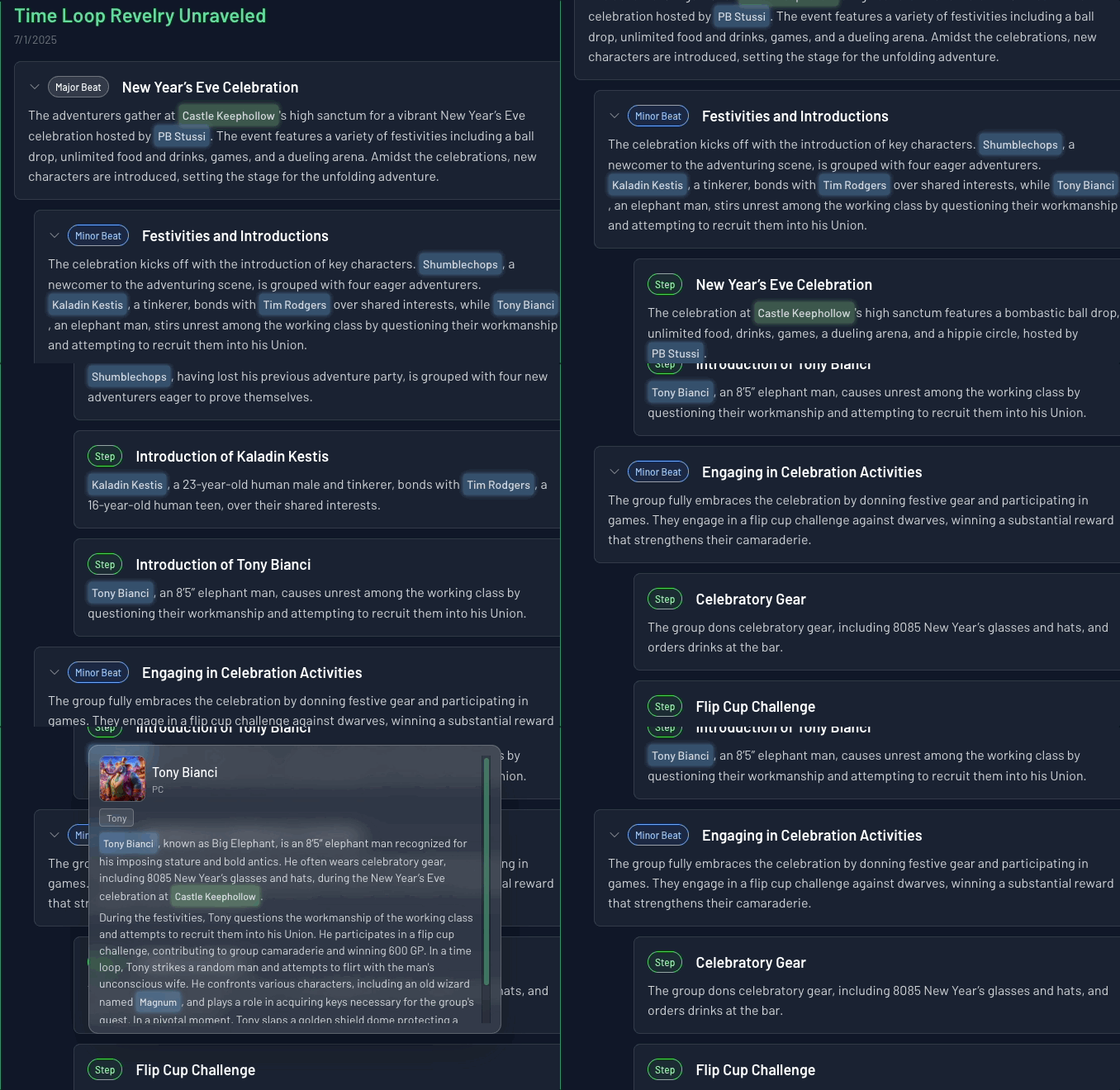
WikiLinks
Wiki Without the Work
Archivist auto-tags characters, items, locations, factions, and highlights in your notes and summaries. Click a tag to open that entity; hover for a preview.
- Tags update when you rename an entity or add an alias
- Hover cards for previews without leaving the page
- Add your own [[tags]] for themes, jokes, or plot threads
Campaign Connections and Data Visualization for TTRPG Story Analysis
Campaign Connections
Data Studio maps how characters, items, locations, factions, and events connect across your campaign. Filter down to one entity—or a few—and see where they show up.
- Relationship graphs for people, places, and factions
- Timeline layouts (rows, clock, semi-circle) for who was involved when
- Playground mode to try filters and layouts freely
Entity relationships across sessions
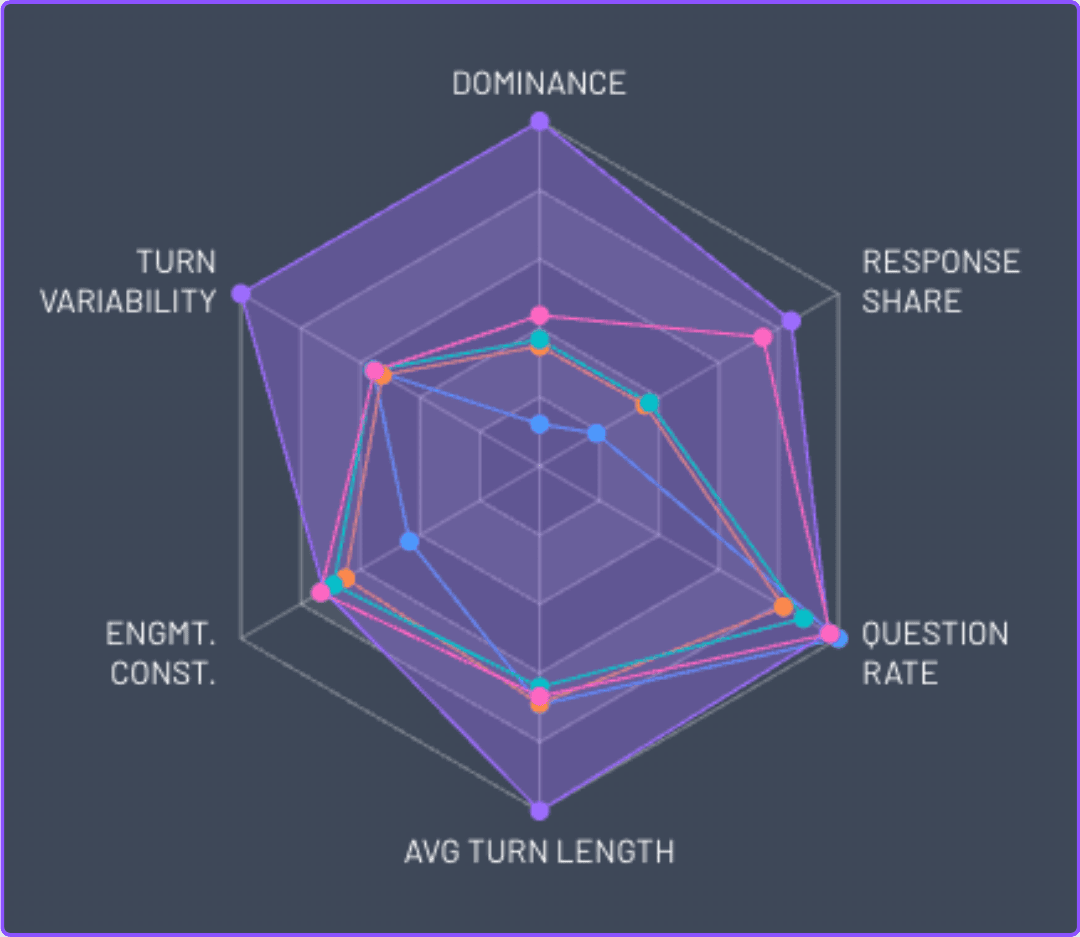
Compare players across engagement metrics
Cast Analysis
Understand How Your Table Actually Plays
Start with a single-session snapshot, then compare sessions to find real table patterns.
- Conversation share and spotlight balance within a session
- Energy and pacing trends across multiple sessions
- Sentiment and AI insights that explain what changed and when
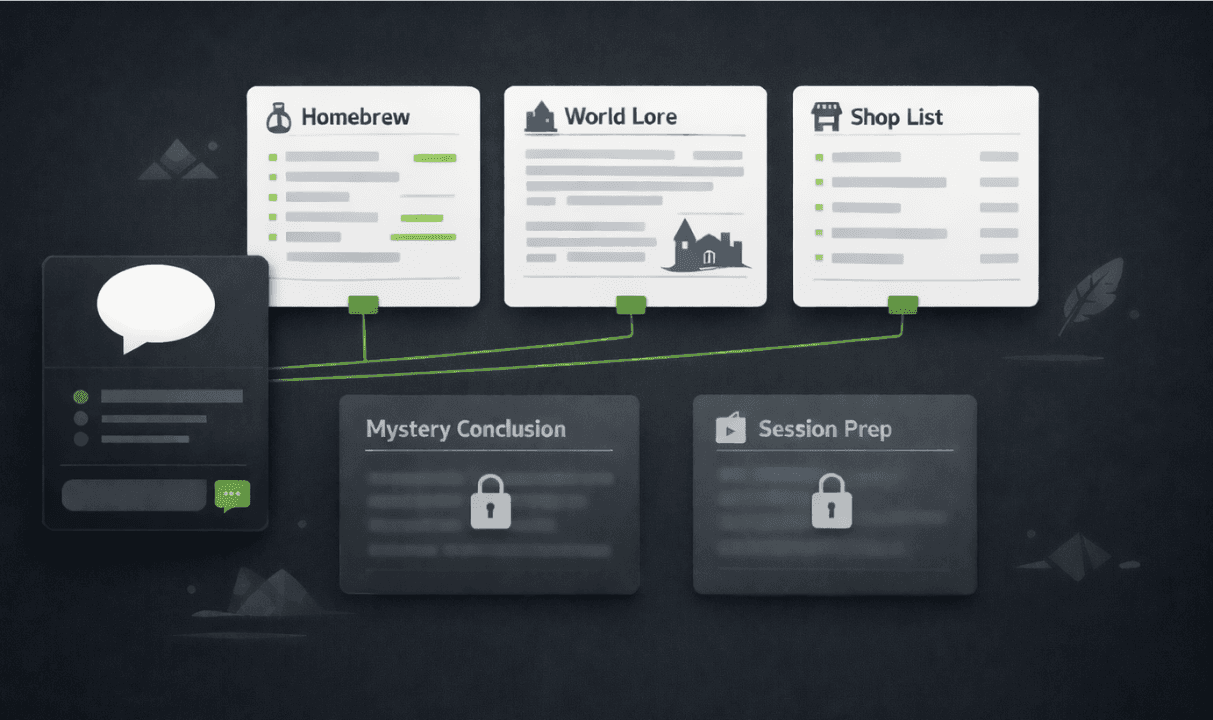
Private Prep and Player Notes
Prep notes, world lore, player logs, and reference docs outside live sessions. Each journal has its own permissions; Ask Archivist only uses what the current viewer can see.
- Private by default; share when you choose
- Players can keep journals hidden from the GM
- Ask Archivist refuses private content it should not see
Public campaign page example
Campaign Showcase
Publish a Public Campaign Page
Publish a full campaign or selected sessions with a shareable link. Overview, summaries, characters, timeline, and highlights go live; raw transcripts stay private.
- One public link; unpublish anytime
- Appears in the community gallery of published campaigns
TTRPG Session Handouts - Two-Page Session Summaries
Session Handouts
Two-Page Session Handouts
Generate a PDF handout from a completed session in seconds. Choose which sections to include, pick a theme, and reorder before you export.
- Pulls in your recap, Key Moments, Hero Awards, quests, and Cast Analysis
- Five themes: Parchment, Azurelight, Nightwire, Verdant, Infernal Ink
- Download PDF, email players, or save to Artifacts
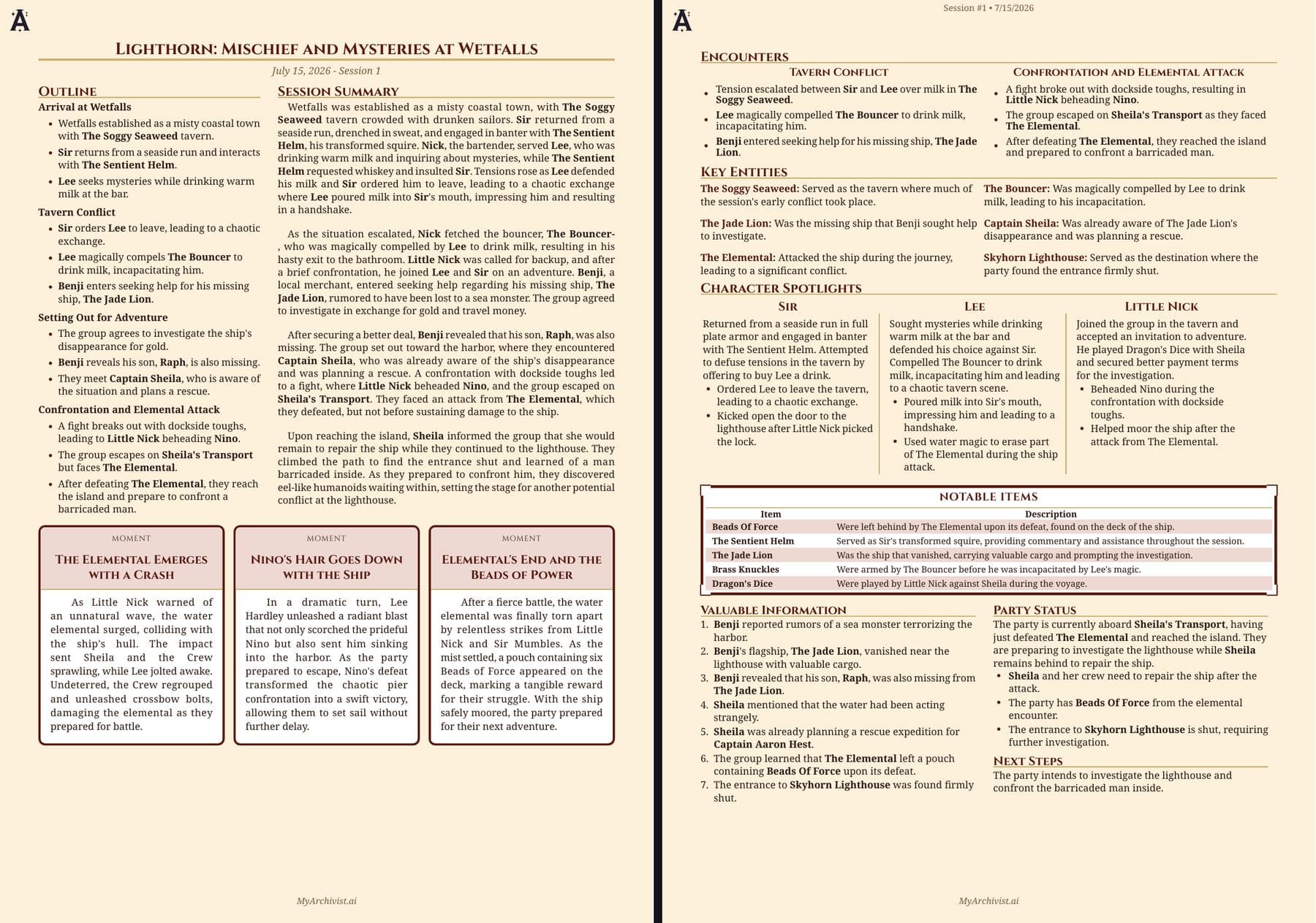
Parchment
Parchment
Digital Trading Cards
Digital Trading Cards
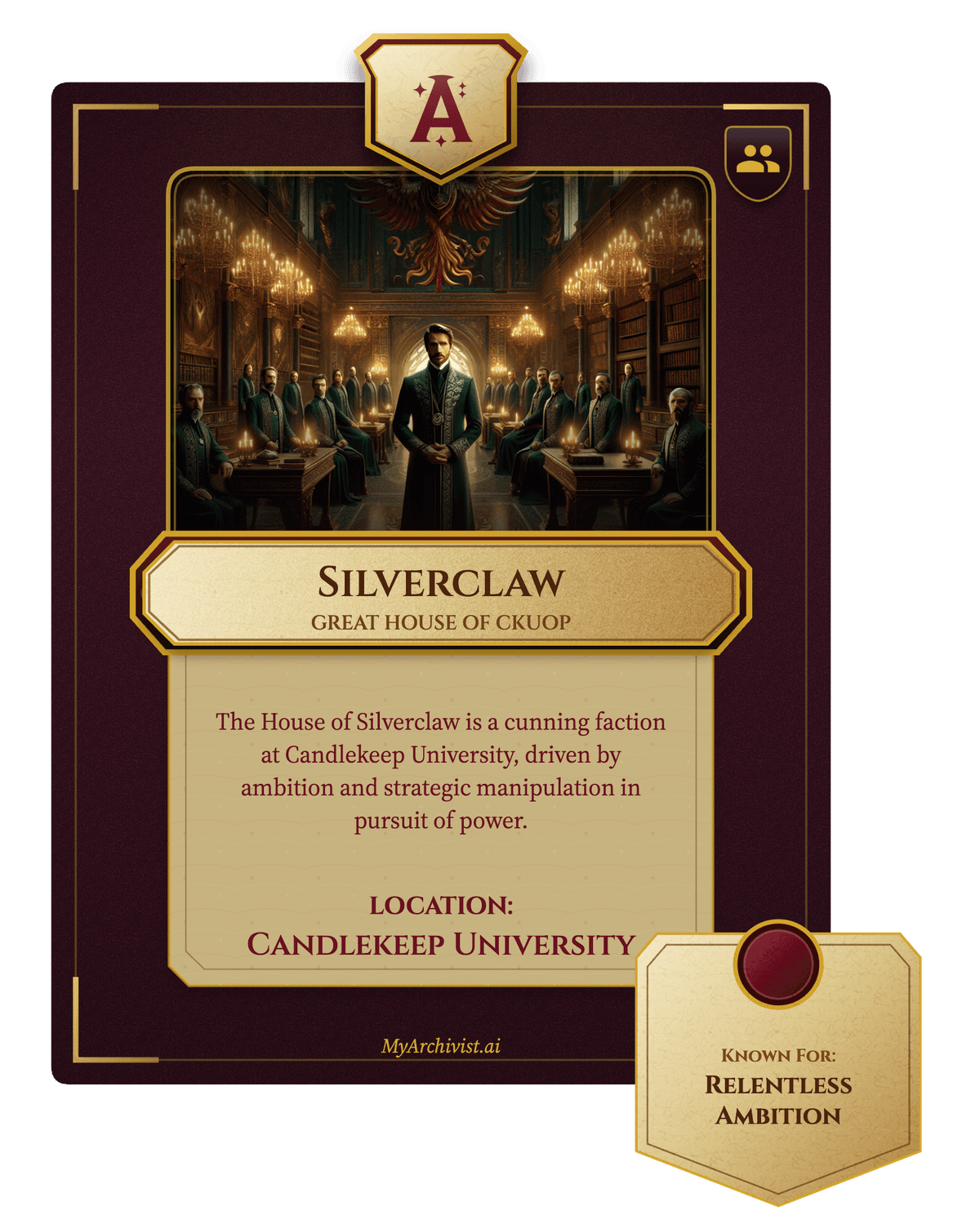
Generate a card for any character, item, location, or faction. Details fill in from your campaign; edit before you download or share.
- Themes: Parchment, Azurelight, Nightwire, Verdant, Infernal Ink
- High-res PNG download or share to social